
Your files stay local
Projects and imported files are kept in the browser sandbox. No account is required to get started.
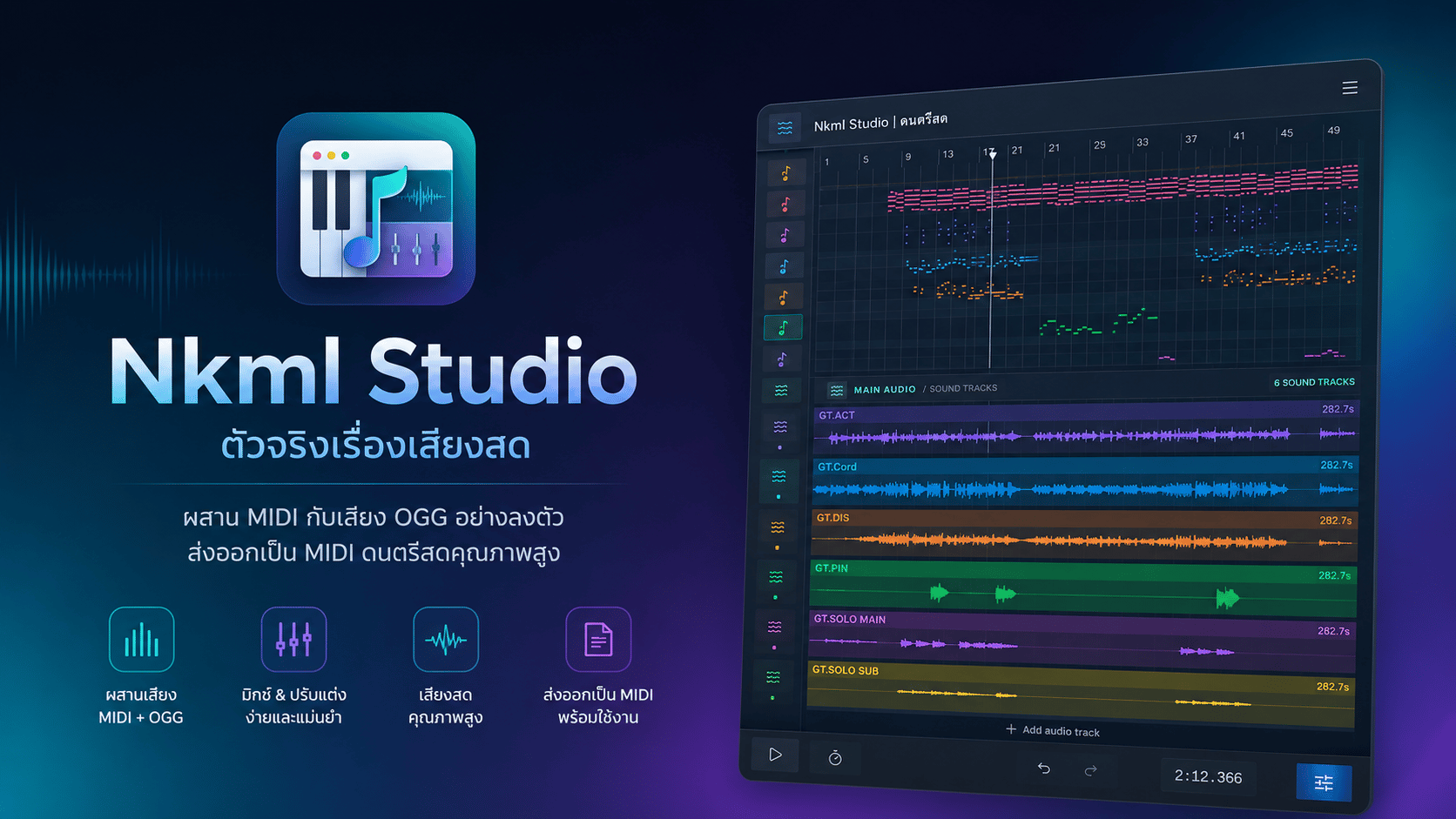
Multitrack Karaoke Editor
An online karaoke audio workspace for combining MIDI, SoundFont, and multiple audio tracks in one timeline. Fine-tune your mix and export from the browser.
Projects and imported files are kept in the browser sandbox. No account is required to get started.
Preview audio through Web Audio on desktop, tablet, Android, and iOS.
No. NKML Studio runs in your browser and stores projects on your device.
Normal editing works with files in the browser and its local storage.
Press Start App to open Project Library, then open or create a project.